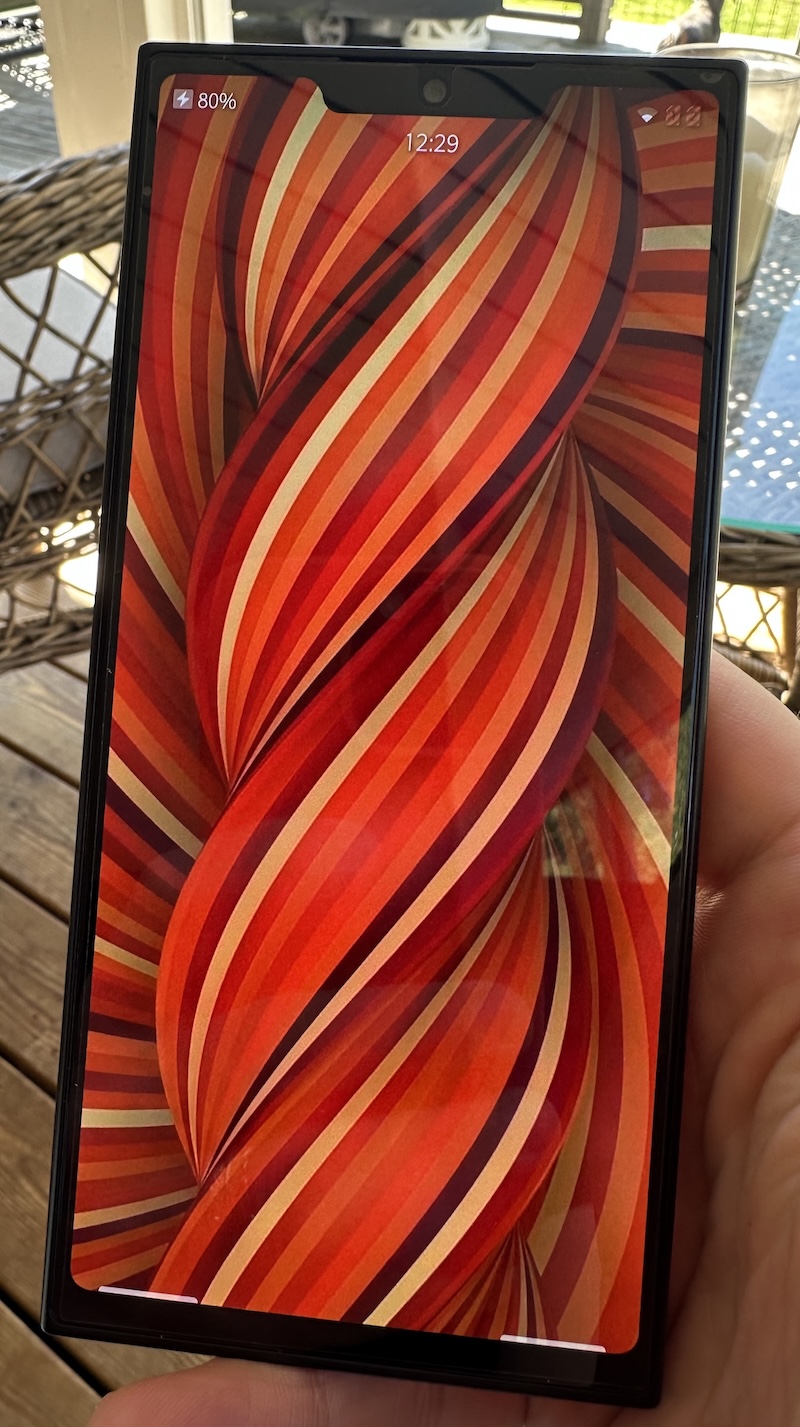
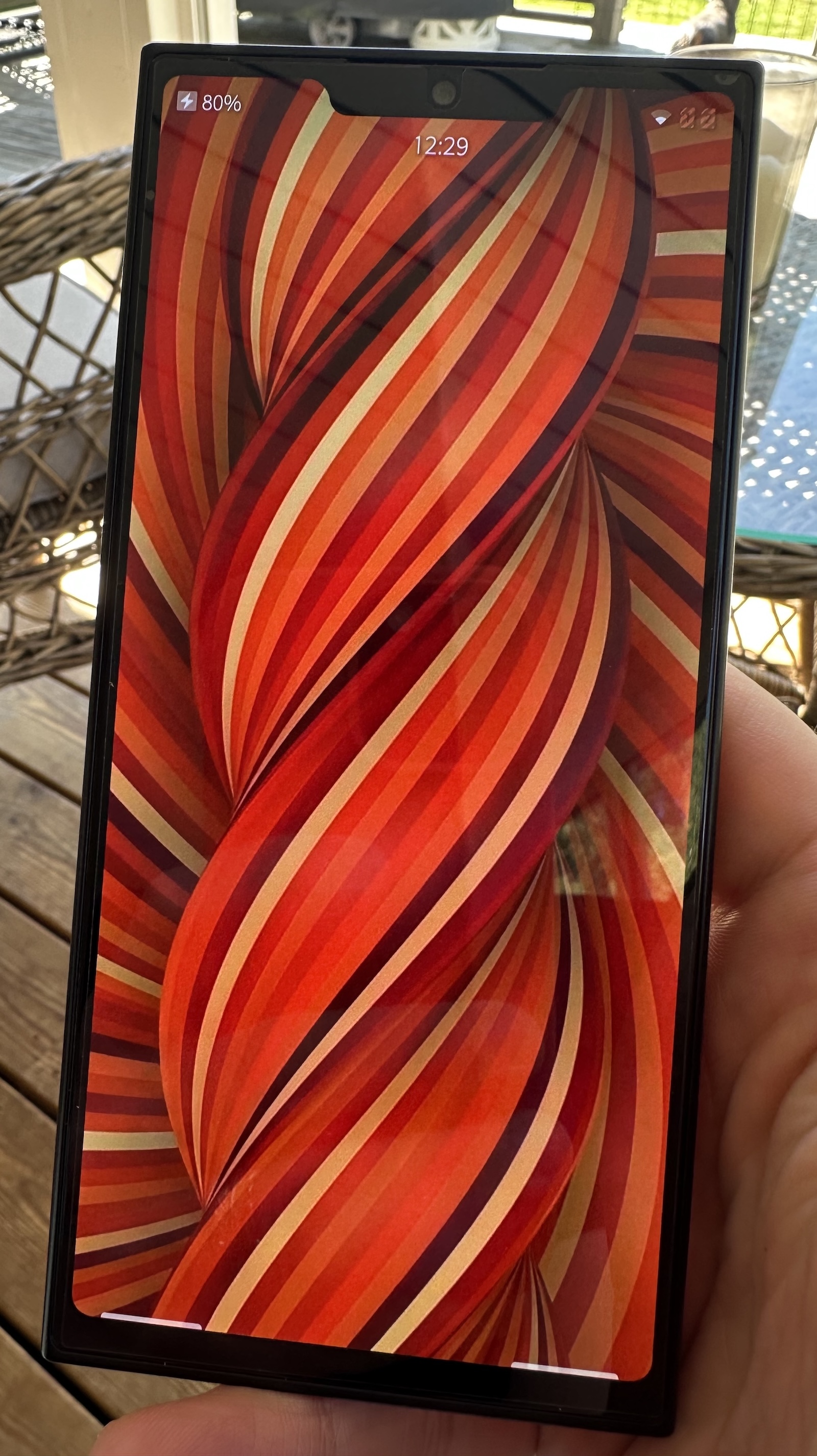
Today, I picked up my Jolla phone, after more weeks of checking tracking apps much more often than I care to admit.
This will be very unsorted, but I want to try and keep track of how my impressions evolve.
So far, I have played around with what comes in the box (plus the Jolla apps they suggested installing when I logged into my account) and a single third-party app: the Mastodon app Tooter.
It feels … like a fresh blast from the past. When phones were a bit more different from each other. Things were still being figured out.
A while back, it struck me as I was using my max-sixed Iphone that I was missing just having a phone with a different feel in the hand.
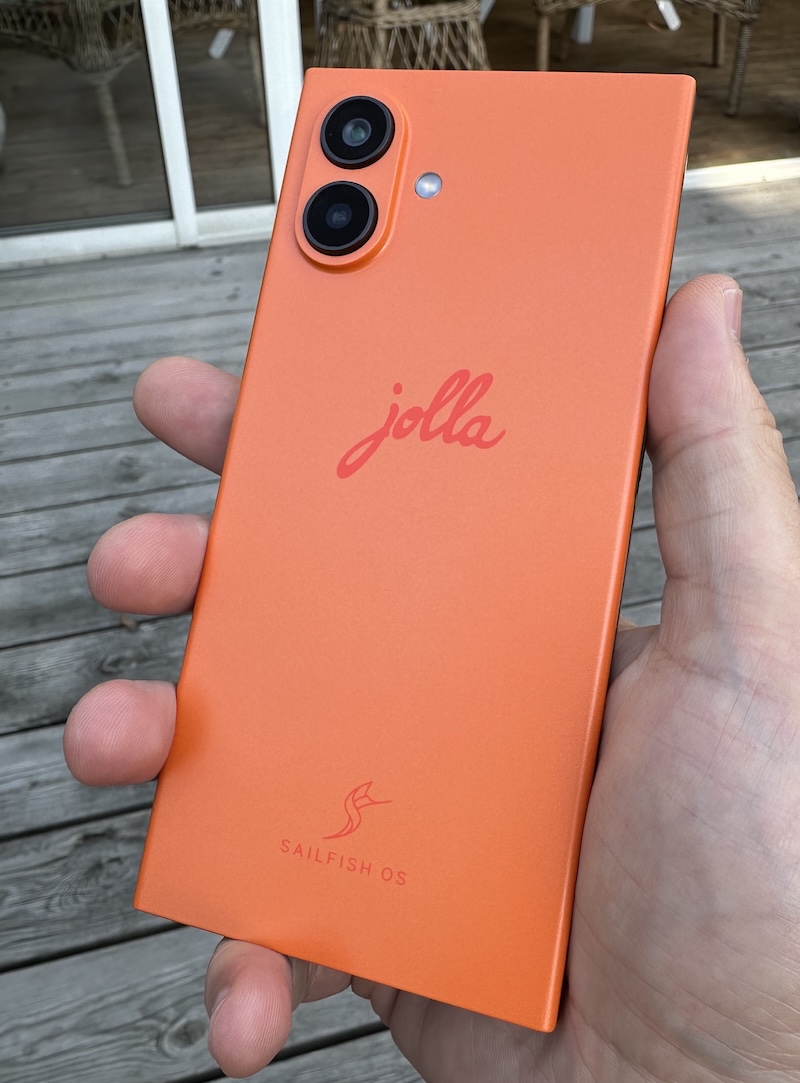
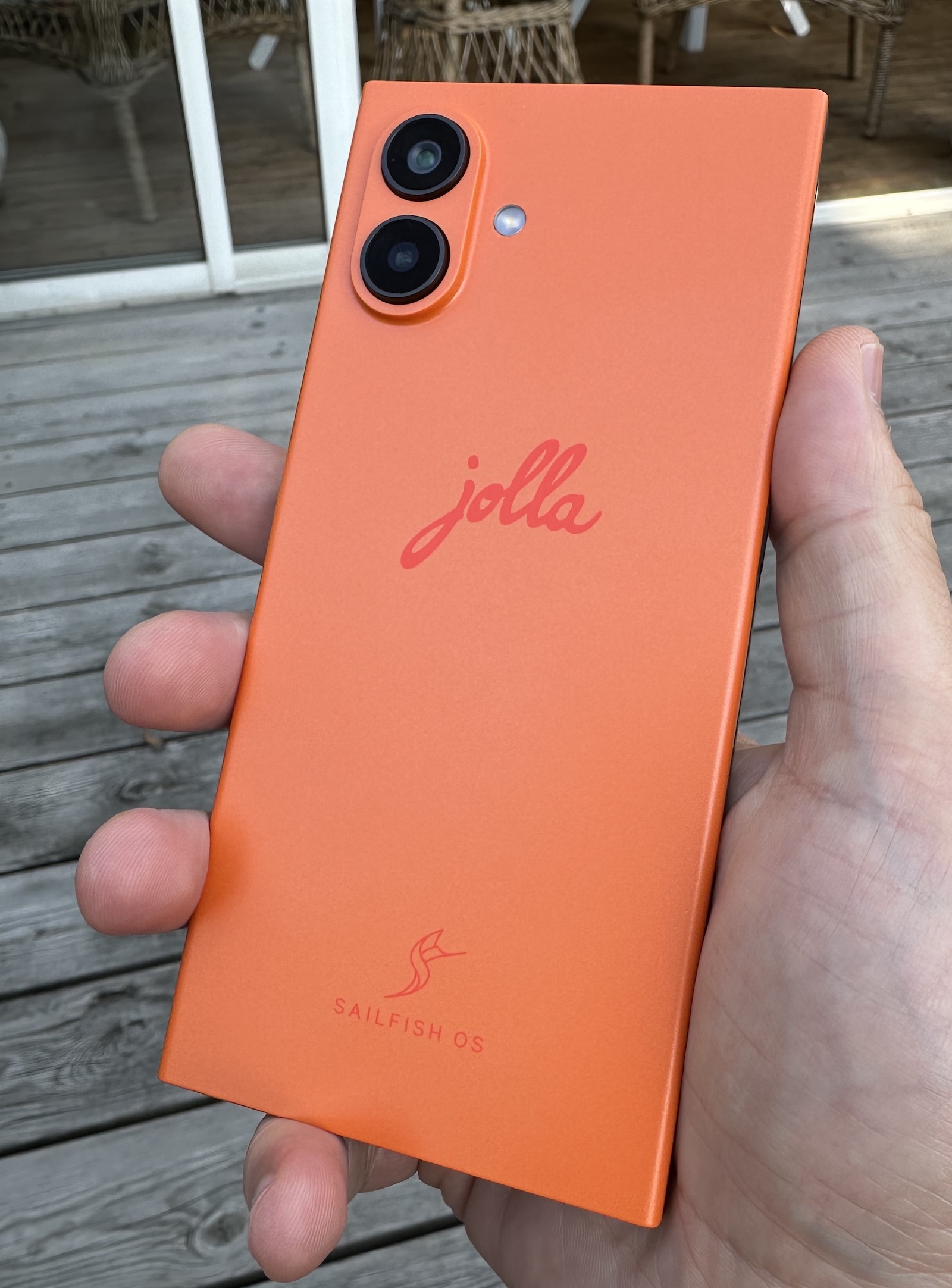
The Jolla delivers that difference in a great way. Because it is mainly plastic rather than metal and glass, it feels warmer and friendlier to the touch. Side by side with my Iphone, they are surprisingly close in all dimensions, but the Jolla somehow feels a lot nimbler to hold. I guess that comes down to the weight difference, while the dimensions are very close the Jolla is 32 grams lighter (208 versus 240).
It does not feel premium the way a brand new Iphone or Samsung device does. I would say it feels … approachable. And durable. The back cover is meant to come off, just a thing like that! I bought a protective cover, but I am not sure I will use it much when the hand feel is this nice and there is no dumb glass on the back to crack.
The whole interface of Sailfish OS is also nicely different. A lot of stuff can be done using swipes anywhere on the screen, which is great. The first time after I had got the hang of back and forward swipes and a button needed tapping in the top right of the screen, I almost felt frustrated at having to move a finger up there. One gesture I really like but that also takes some getting used to is being able to pull down in apps to drag down a menu of actions from the top of the screen. You just keep dragging to select the option you want and activate it when you lift your finger. A bit of evolution over pull to refresh, but it also requires a bit more precision. I have activated things by mistake when I intended to just scroll.
The keyboard and autocomplete/suggestions feel better than on Iphone. It has much saner suggestions, fits more of them on screen, and I feel a little bit more accurate without being able to explain why. It has only been a day, so it will be fun to see how my impression evolves.
Oh, and speaking of text: Remember cutting and pasting? On Ios, you select text, then awkwardly tap and hold to get a menu up to select copy from, sometimes getting out of sync with it popping up and stuff? Then find a place to paste and repeat the tap and hold to get the paste menu option without accidentally selecting anything.
Jolla gives you a copy button on the keyboard when you have text selected. Tap it again to paste. So straightforward everyone should steal it, yesterday.
Update: I got it wrong, copying and pasting takes even less tapping. Selected text is automatically placed on the clipboard, the button is for pasting only. Feels a little scary to me to be able to overwrite the clipboard so easily. But A: I will get used to it, and B: If it really irks me I can probably find or even create a different clipboard manager.
This is my first experience of a phone with a fingerprint-reading power button. The button is perhaps best placed for your thumb if you hold the phone in your right hand, but adding more fingers lets left-handed unlocking work just fine too.
The first banner I saw when I opened Jolla's own app store was for a tracker app. It did not attempt to sell me smurf berries.
Initial setup was very quick. Set up unlocking and encryption, optional login and app downloads (pragmatically including Android app support stuff) which I did, and then a quick introduction to the swipe-based workings of Sailfish OS.
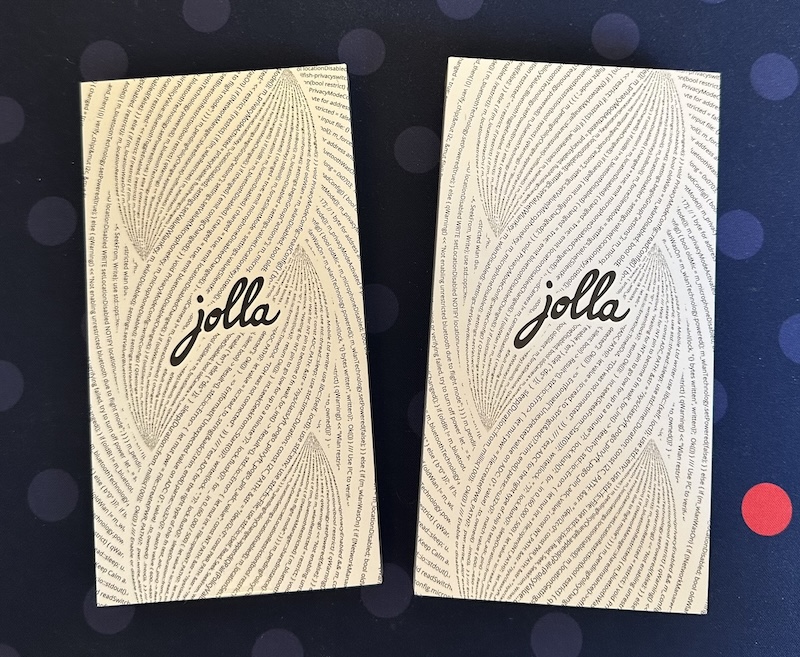
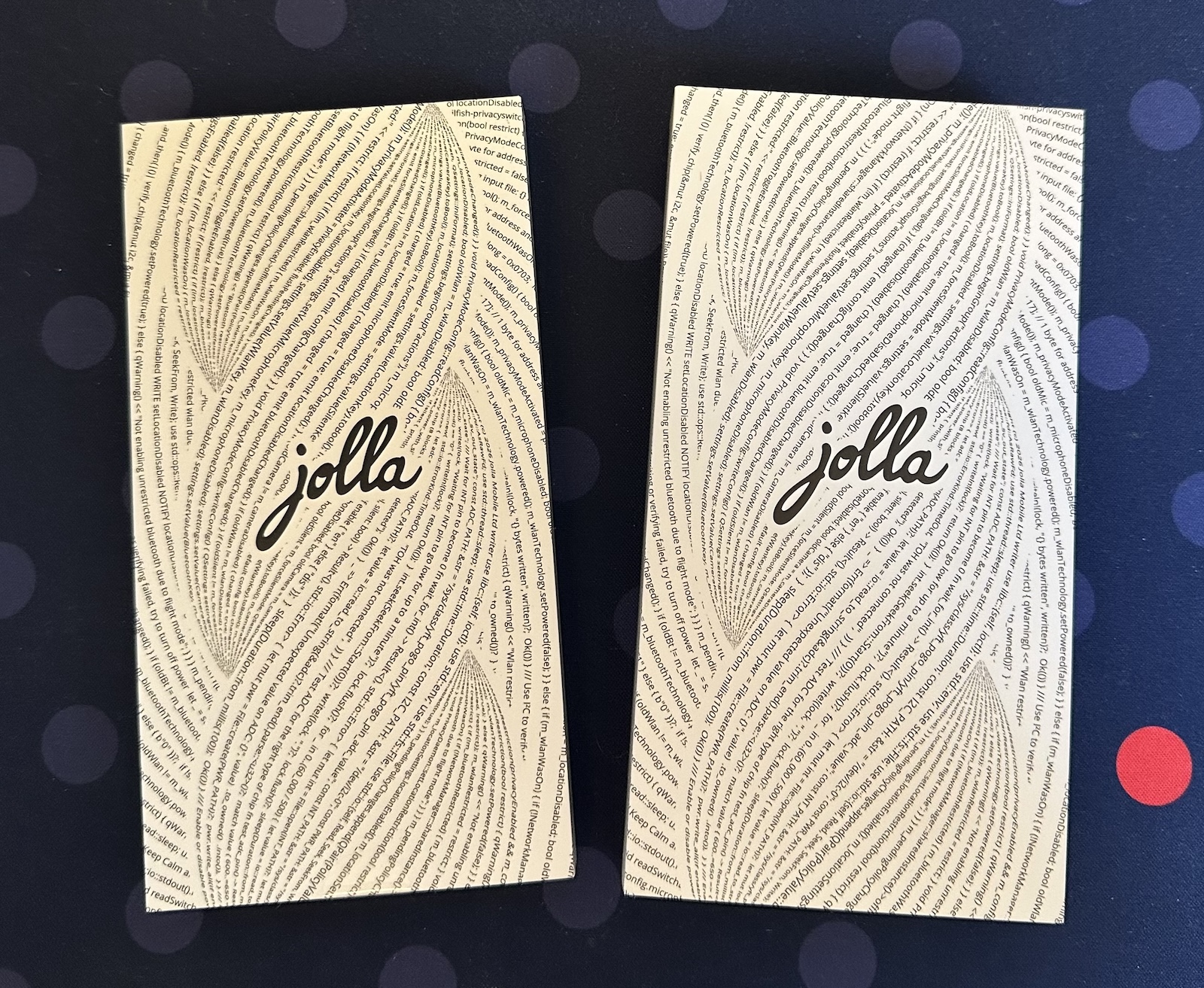
I have not figured out my needs yet. I have not installed Bankid and other necessities for daily driving a phone. I have not figured out how I want to get text and images and other stuff between it and the rest of my technology life. I have no idea if an how much I will try to use it as my full-time phone.
I have not, in fact, even put a SIM card in yet.
In other words: so much exciting stuff left to figure out. I can not wait to see what I do with it!