I am consuming more WWDC content - so much content! At the moment I am chewing through The talk show live recording with Gruber and a cavalcade of Apple people. Gruber wrote in his post that one should watch it on the best and largest display you have, so I am now watching on the 6K Dell. I have the video in a picture in picture window, with plenty of space for this text and other windows around it, and thanks to the display size, the video is … darn this is confusing … 3K resolution, I guess? One fourth of this screen is just a silly amount of pixels.
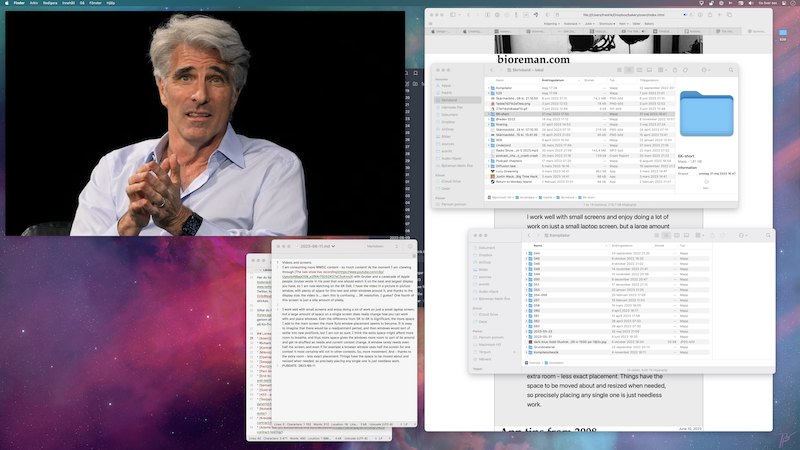
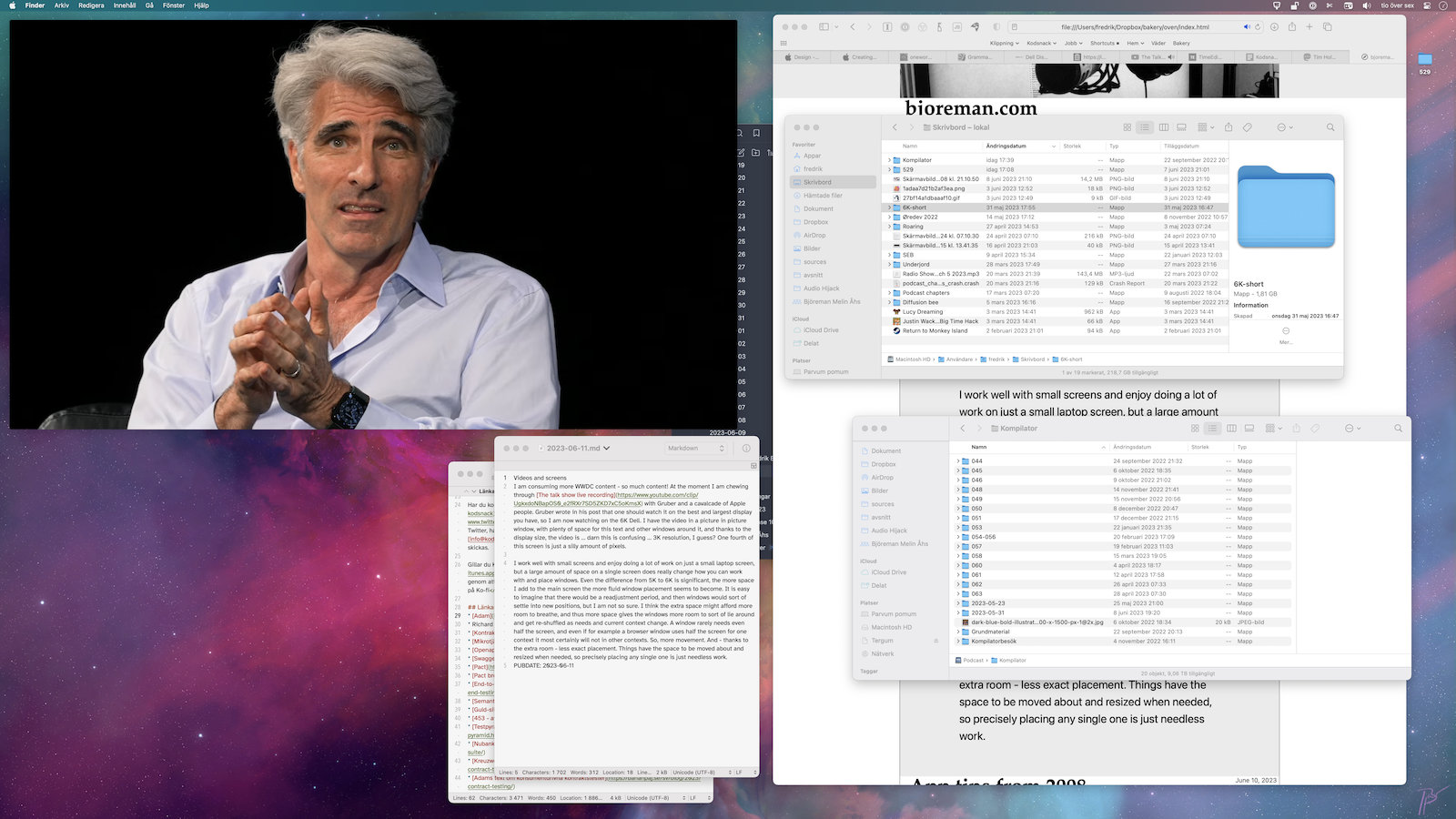
(A full size version of that screenshot also exists here.)
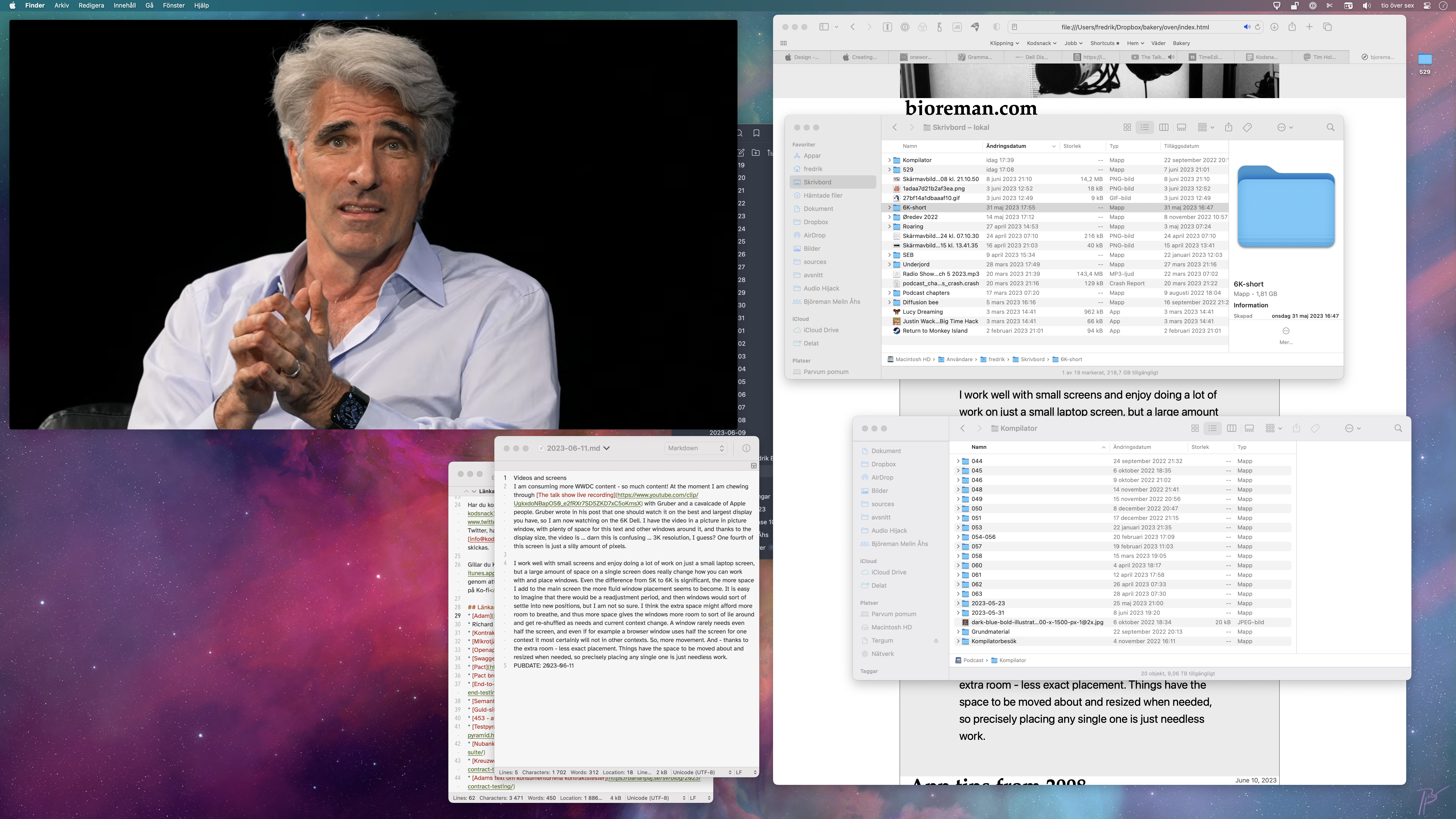
I work well with small screens and enjoy doing a lot of work on just a small laptop screen, but a large amount of space on a single screen does really change how you can work with and place windows. Even the difference from 5K to 6K is significant, the more space I add to the main screen the more fluid window placement seems to become. It is easy to imagine that there would be a readjustment period, and then windows would sort of settle into new positions, but I am not so sure. I think the extra space might afford more room to breathe, and thus more space gives the windows more room to sort of lie around and get re-shuffled as needs and current context change. A window rarely needs even half the screen, and even if for example a browser window uses half the screen for one context it most certainly will not in other contexts. So, more movement. And - thanks to the extra room - less exact placement. Things have the space to be moved about and resized when needed, so precisely placing any single one is just needless work.